> For the complete documentation index, see [llms.txt](https://api-docs.native-land.ca/llms.txt). Markdown versions of documentation pages are available by appending `.md` to page URLs; this page is available as [Markdown](https://api-docs.native-land.ca/embed-a-map.md).
# Embed a map
Instead of getting the coordinates, just get a map directly.
Native Land Digital also offers the ability for you to load a map directly onto your website through our Embed API.
To do this, you should understand the [Names and Positions API detailed here](/by-names-and-or-position.md). You will be sending a URL with this request to the embed API.
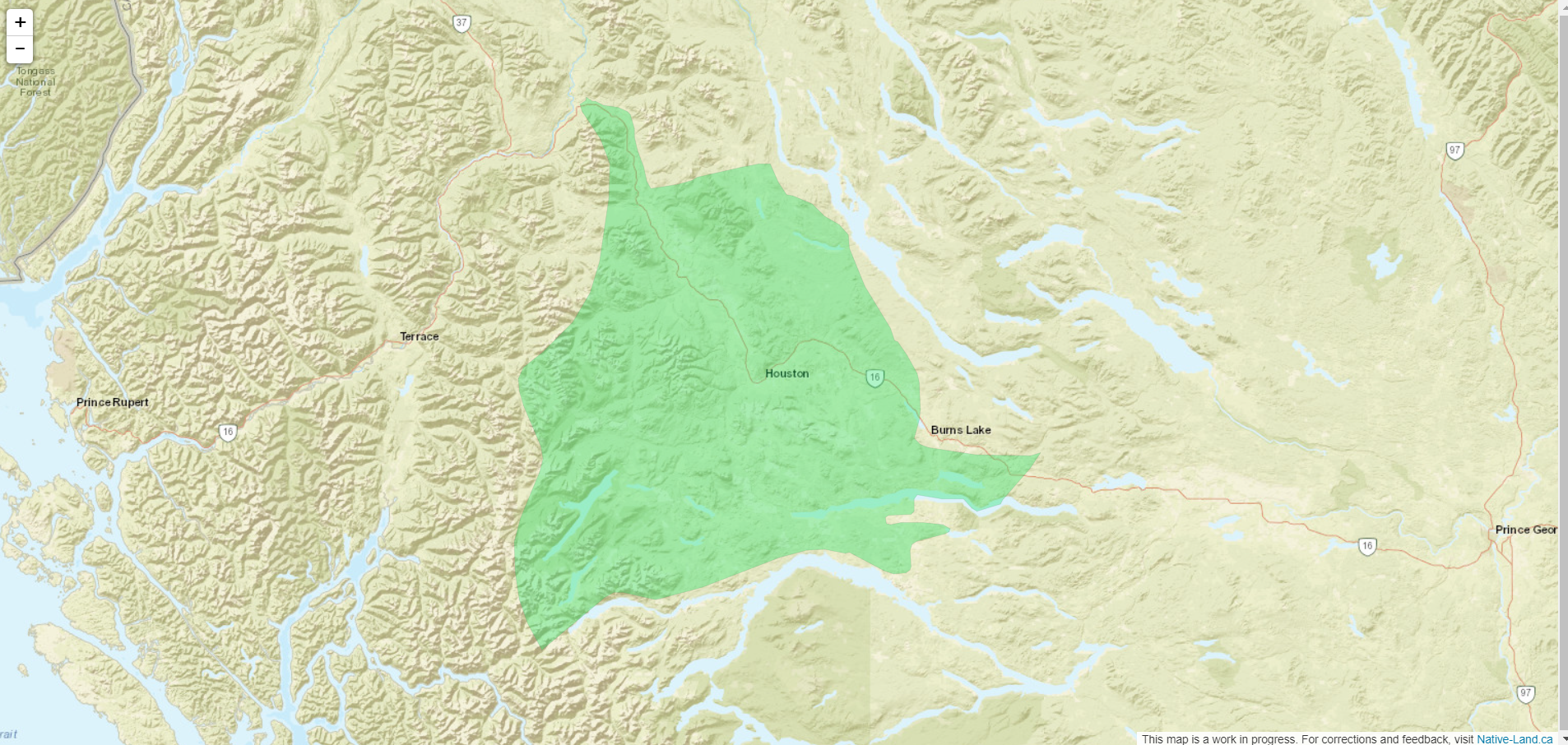
To create an iframe with a map displayed on it, just set the source of the iframe to the query you want to send. For instance:
```
```
Will create the following:
This is a fairly simple map using Leaflet and Open Street Maps as a base layer, to keep everything open source.